
Sep 9
Add custom Agenda Item Types
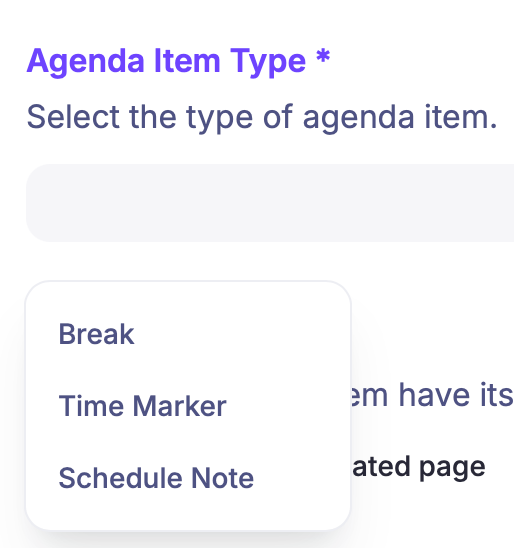
Currently there are three options available to choose as Agenda Item Type": Break, Time Marker, and Schedule Note.
I am using these Agenda Items for a different purpose. I use them on the home page of an Ongoing Event to create a list of Upcoming Events.
I have to use the Translate function to show the correct event information, instead of “Schedule note”. It would be great if we can add our own custom Agenda Item Types, close the color, and choose our own Icon.

Closed
HI Henk, Thanks for sharing this. Similar to the last post, I think the best long term solution here is to have us focus on the org level event hierarchy updates we spoke about in the other feature request as this will let you link events in the way you’re trying to do here. i.e. defining an agenda item as a panel discussion is not really what its intended for. If you have any other agenda item types you’d like us to add to the list, please do let us know but for the time being, optimising the agenda item types to cater for the scenario we plan to resolve via org level hierarchies, means its probably not something we’d look to solve in this way - for the time being anyway. Ill mark this as rejected for now, but please do let me know if there are any agenda item types youd like us to add to the list.