
Sep 9
Add "Redeem Offer" button under Offer Description in side panel
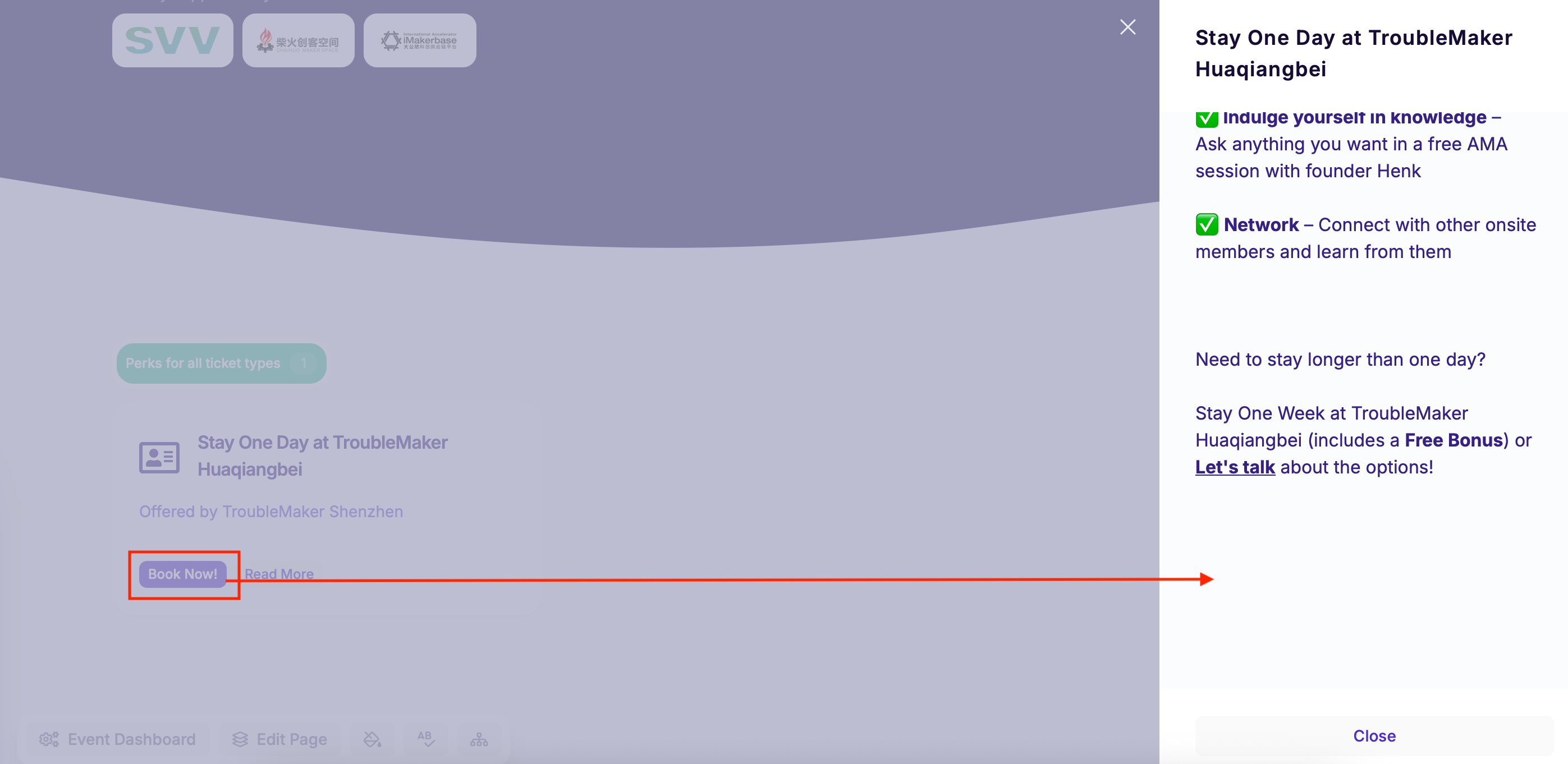
Currently people who are viewing a Perk are only given the option “Close”.
It would drastically improve the UX if a copy of the “Redeem Offer” button would appear under the Description text.
Completed

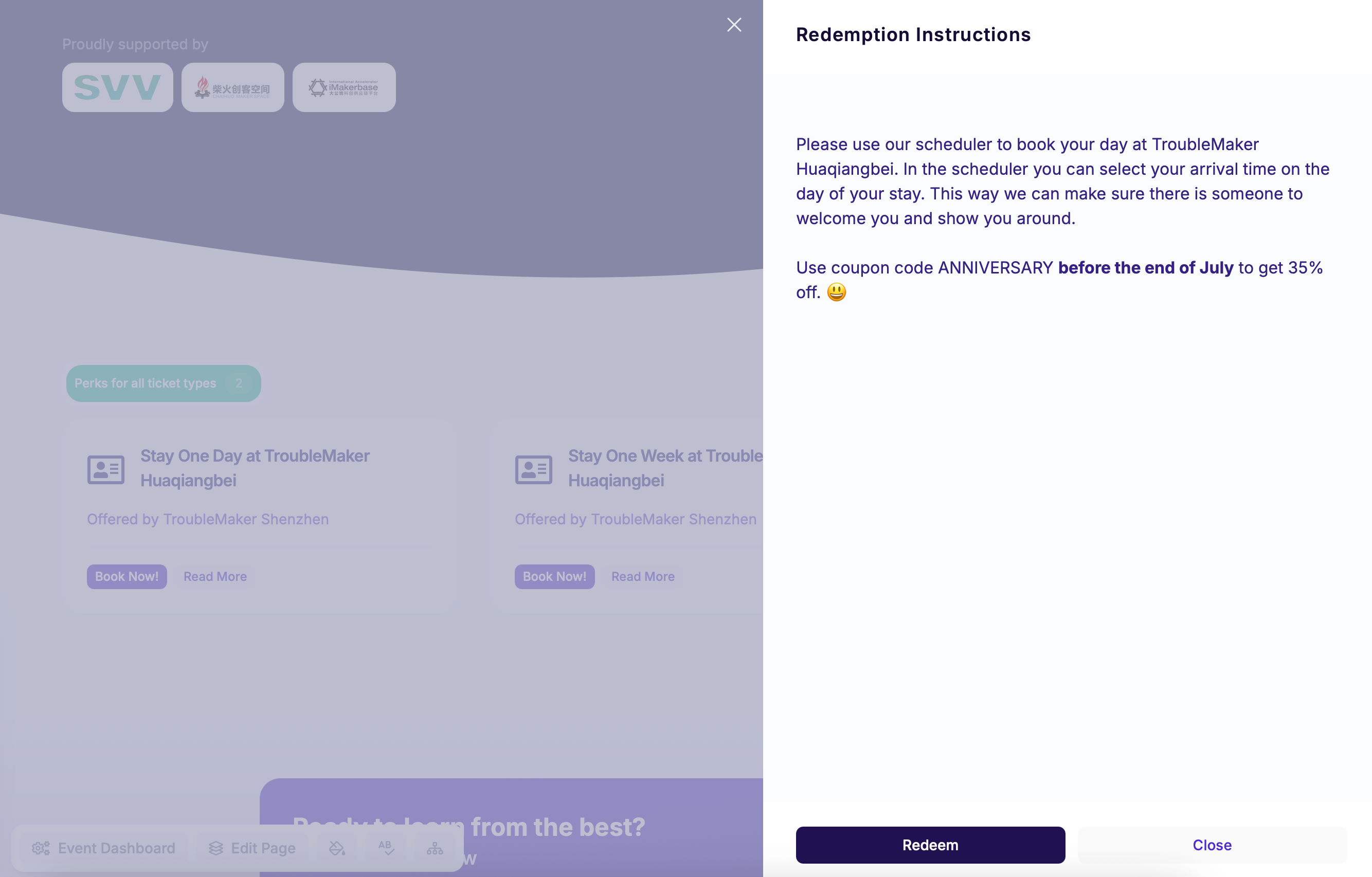
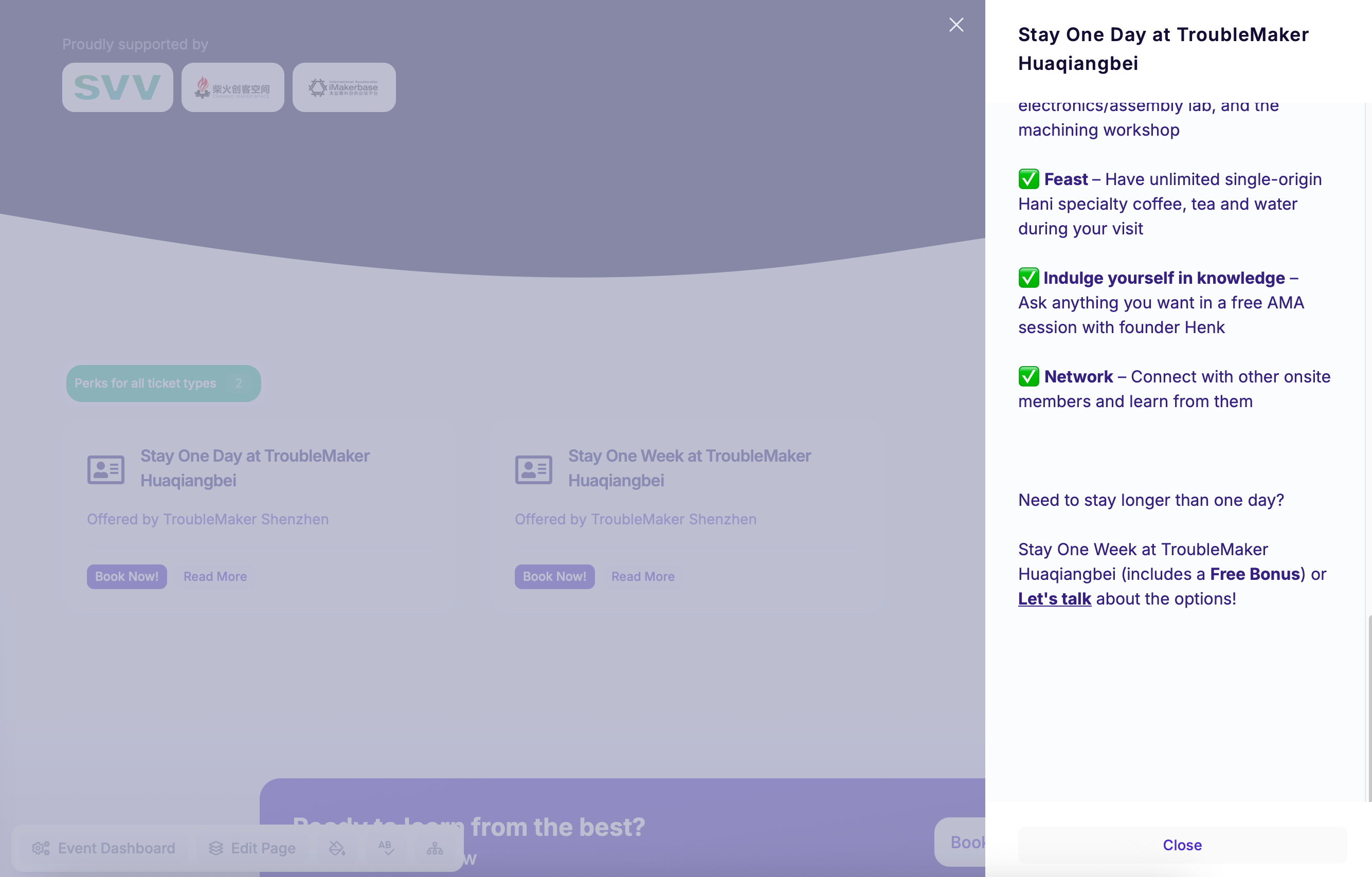
Hi Henk, this should already be the case. However, that redeem offer button only appears if you provide a link for the offer. If all you do is provide redemption instructions and no link itself, then there is nothing we can do when someone clicks the "Redeem offer" button. Hence why we only show it if a link has been provided. If you have set up a link and it's still not showing, please reach out to our support team so that they can look into your account and the event in question. I’ll mark this as closed in the meantime. Many thanks!