
Award certificate credits by session duration

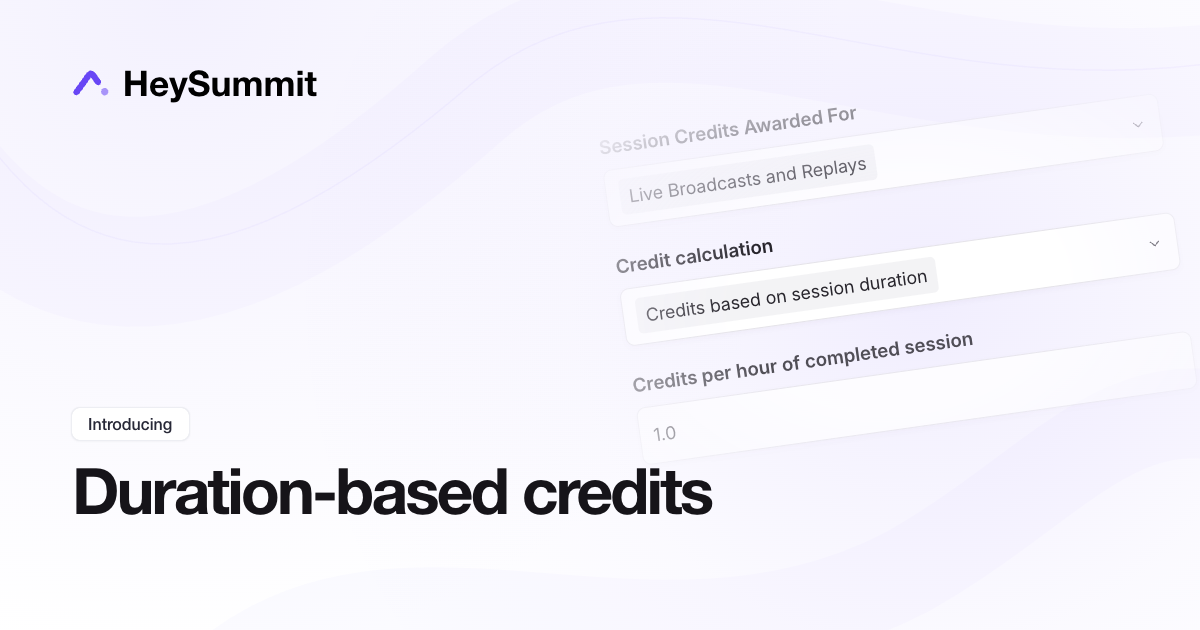
Certificate credits can now reflect the length of each completed session. Set an hourly rate and HeySummit calculates credits from the scheduled session duration. At 1 credit per hour, a completed 30-minute session earns 0.5 credits and a three-hour workshop earns 3.
Open Event Settings → Event Experience → Attendance Tracking. Under Attendance Credits, choose Credits based on session duration in Credit calculation, then set Credits per hour of completed session. Fixed credits per completed session remain the default.
Your completion threshold and live/replay eligibility rules still apply. Credits are based on scheduled length, rather than minutes watched, and a session is awarded only once across live and replay attendance. Base event credits remain additional. Changing the calculation mode or rates recalculates existing certificate totals without changing attendance records.