Share guides, files and links with your event partners

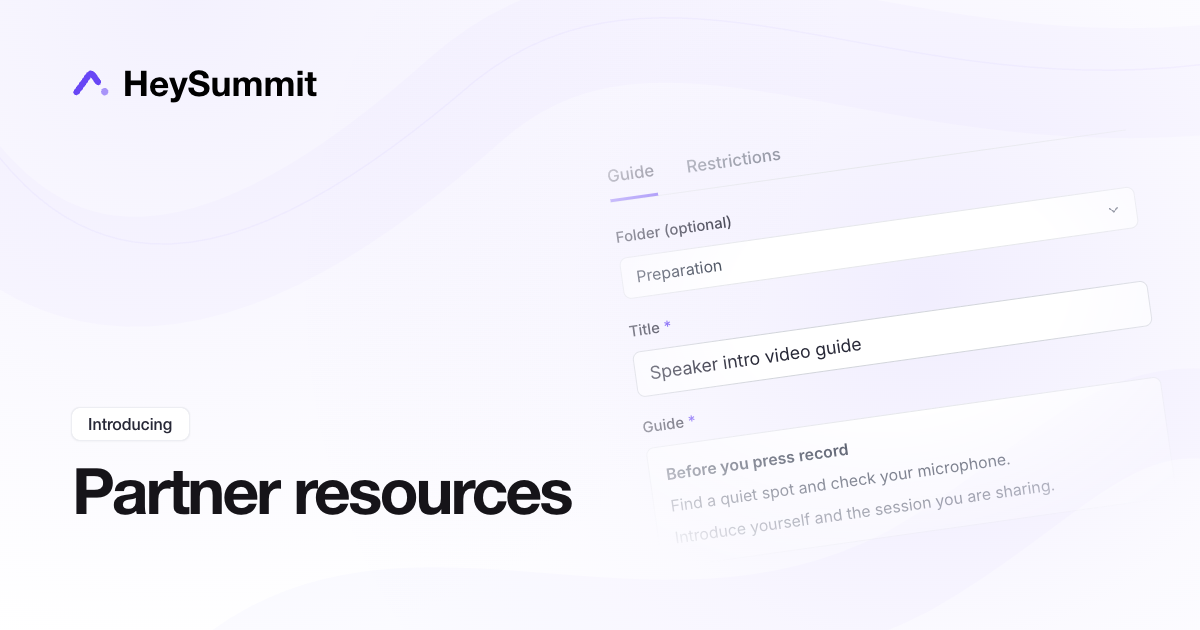
Give your presenters, sponsors and affiliates one place to find the materials they need. Their Resources area now has separate Media, Links and Guides tabs, including written preparation guides they can read directly in HeySummit.
In your event dashboard, open Marketing → Partner Resources to upload files, add useful links or write a guide. Use folders to group related items, then choose which audiences or specific people can access each resource. It is a useful home for intro video instructions, worksheets, checklists and practical tips.
Partners can browse guides by title, folder and a short preview, then open the full instructions. Swipe Copy has the same clearer cards, with Copy text and an image download action when an image is included.
Event, session and presenter graphics remain available in their own tabs under Partner Resources.